1、打开PowerPoint选项。

2、在PowerPoint中,复制粘贴内容后,没有粘贴选项,会对操作造成麻烦。下面介绍具体开启的方法。
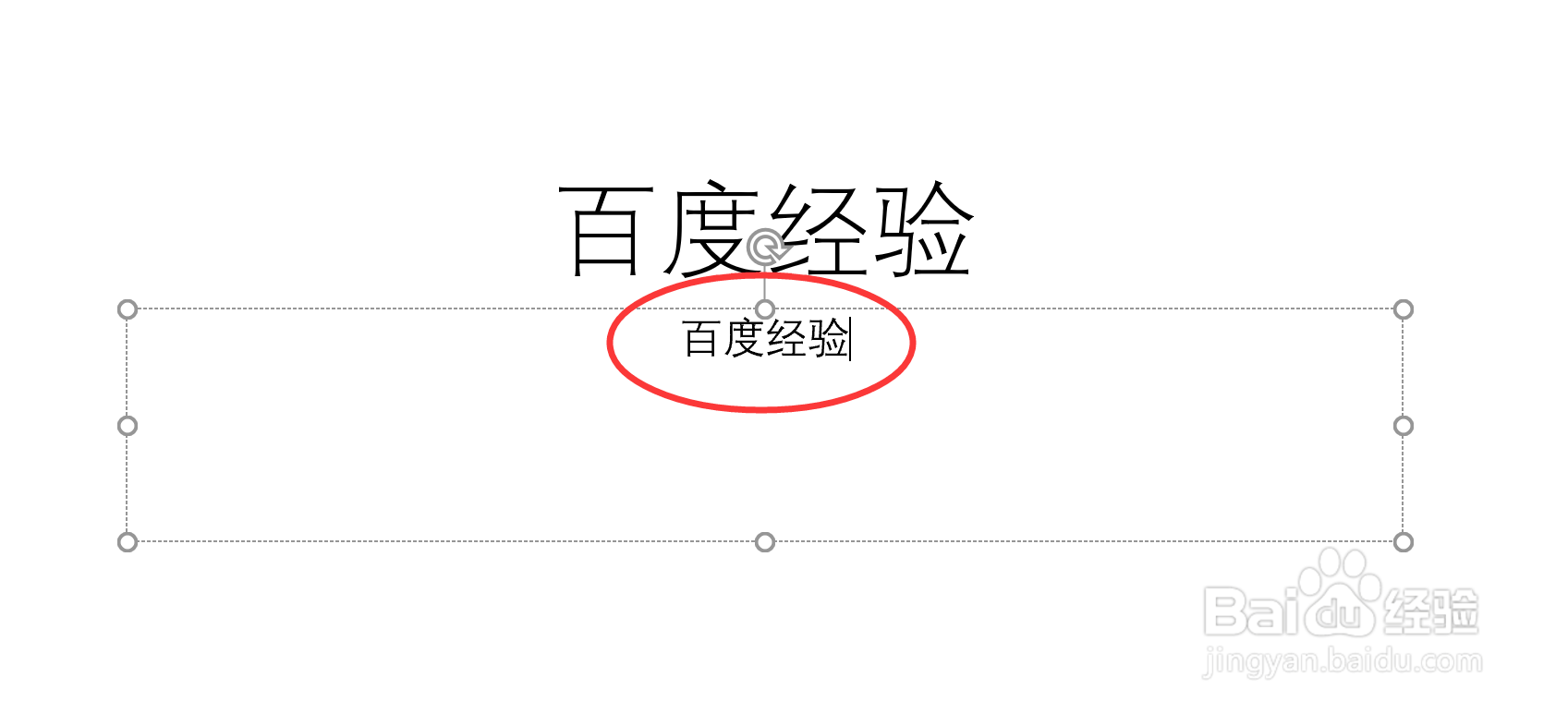
3、点击“文件”选项卡。

4、点击选项。
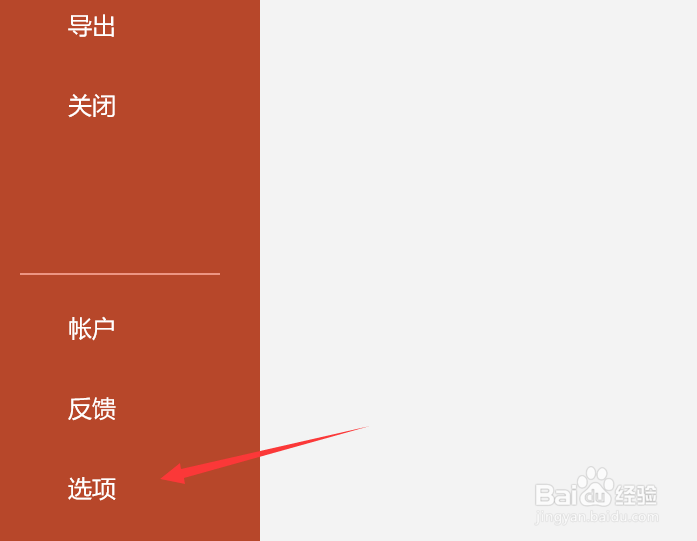
5、在弹出的菜单中,点击“高级”。

6、在“剪切、复制和粘贴”下,勾选“粘贴内容时显示粘贴选项按钮”。

7、点击右下角的“确定”。

8、此时在复制对象后,将在右下角出现粘贴选项按钮。

1、打开PowerPoint选项。
2、在PowerPoint中,复制粘贴内容后,没有粘贴选项,会对操作造成麻烦。下面介绍具体开启的方法。
3、点击“文件”选项卡。
4、点击选项。
5、在弹出的菜单中,点击“高级”。
6、在“剪切、复制和粘贴”下,勾选“粘贴内容时显示粘贴选项按钮”。
7、点击右下角的“确定”。
8、此时在复制对象后,将在右下角出现粘贴选项按钮。