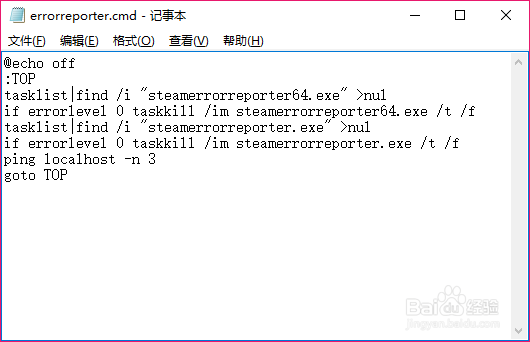
1、首先,创建一个批处理文件 cmd/bat
@echo off
:TOP
tasklist|find /i "steamerrorreporter64.exe" >nul
if errorlevel 0 taskkill /im steamerrorreporter64.exe /t /f
tasklist|find /i "steamerrorreporter.exe" >nul
if errorlevel 0 taskkill /im steamerrorreporter.exe /t /f
ping localhost -n 3
goto TOP
说明:
ping localhost -n 3 这是每3秒运行一次的命令
goto TOP 循环运行
2、然后创建一个vbs文件:
createobject("wscript.shell").run "D:\Others\steamerrorreporter.cmd",0
说明:
D:\Others\steamerrorreporter.cmd 为上步创建的批处理文件路径
该文件作用是后台运行批处理文件

3、最后把vbs文件写入开机启动项,创建一个reg文件:
Windows Registry Editor Version 5.00
[HKEY_LOCAL_MACHINE\SOFTWARE\Microsoft\Windows\CurrentVersion\Run]
"errorreporter"="\"E:\\Others\\errorreporter.vbs\" -s"
说明:
E:\\Others\\errorreporter.vbs 为vbs文件路径
双击添加进启动项就行了
