阿里巴巴卖家店铺如何查看当前共有多少个橱窗位

时间:2026-02-24 00:35:39

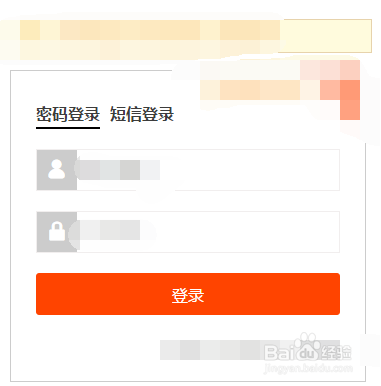
1、在电脑浏览器打开阿里卖家登录页面,

阿里巴巴卖家店铺如何查看当前共有多少个橱窗位

2、登录账号,

阿里巴巴卖家店铺如何查看当前共有多少个橱窗位

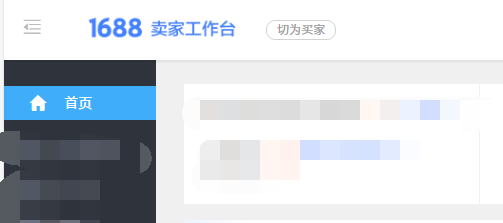
3、进入店铺后台,

阿里巴巴卖家店铺如何查看当前共有多少个橱窗位

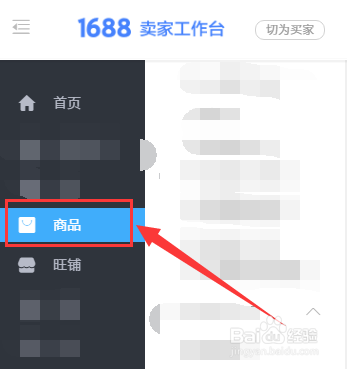
4、然后点击商品这里,

阿里巴巴卖家店铺如何查看当前共有多少个橱窗位

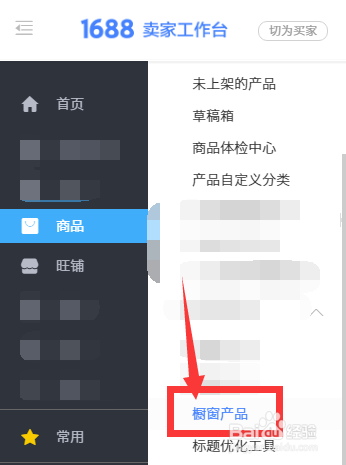
5、然后点击橱窗产品,

阿里巴巴卖家店铺如何查看当前共有多少个橱窗位

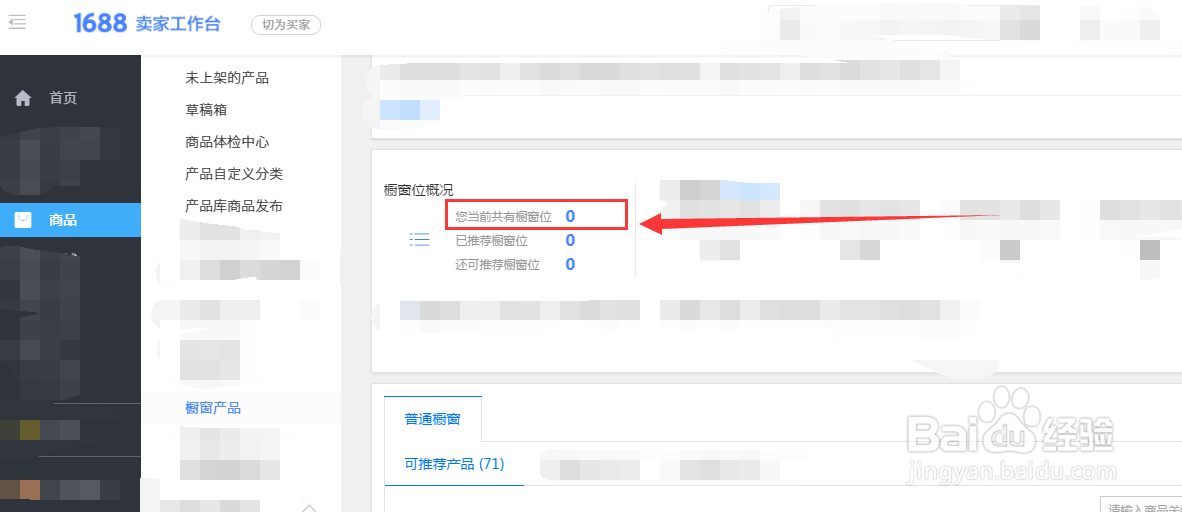
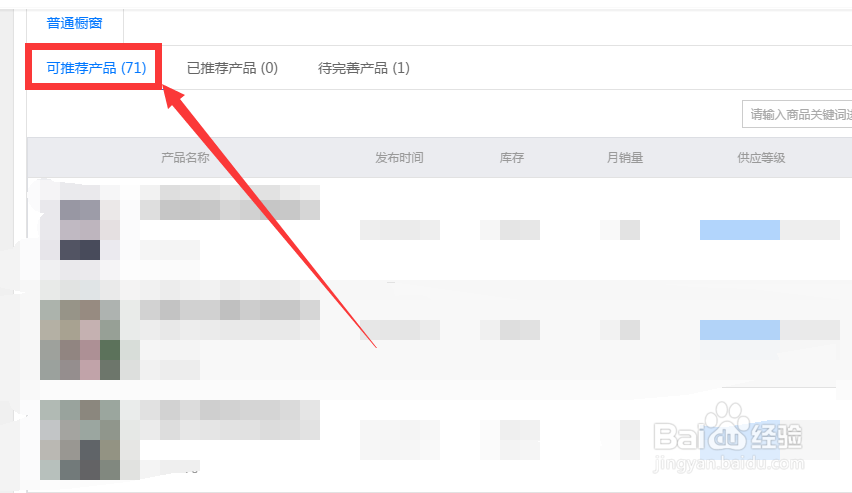
6、然后即可看到当前共有多少个橱窗位。如下图所示,因为橱窗位已经用完了,所以当前共有0个橱窗位。

阿里巴巴卖家店铺如何查看当前共有多少个橱窗位

阿里巴巴卖家店铺如何查看当前共有多少个橱窗位

© 2026 海能知识库
信息来自网络 所有数据仅供参考
有疑问请联系站长 site.kefu@gmail.com