1、准备一大段文字。
这个请读者自己准备,尽量用英文,并用英文引号括起来。

2、绘制文字云。

3、每次运行,都有可能得到不同的结果。

4、准备层次分明的图片。
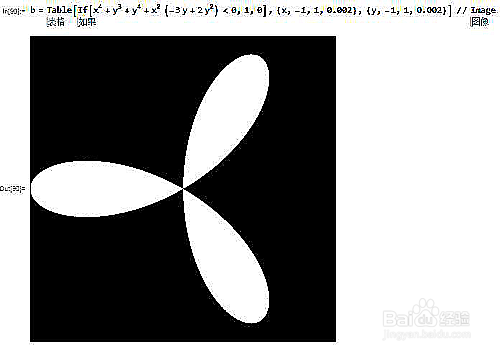
5、把文字云绘制在图片的白色区域。

6、设定图片背景色。

7、设定字体。

8、允许单词按照任意方向摆放。

9、设定单词之间的间距。

10、输出一张1000*1000的大图。
请点击图片,查看大图。

1、准备一大段文字。
这个请读者自己准备,尽量用英文,并用英文引号括起来。
2、绘制文字云。
3、每次运行,都有可能得到不同的结果。
4、准备层次分明的图片。
5、把文字云绘制在图片的白色区域。
6、设定图片背景色。
7、设定字体。
8、允许单词按照任意方向摆放。
9、设定单词之间的间距。
10、输出一张1000*1000的大图。
请点击图片,查看大图。