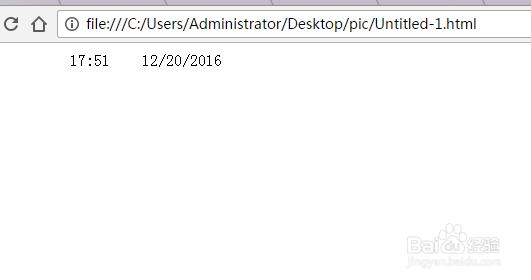
1、用JavaScript定义获取当前系统时间函数,使用网页触发器触发事件。
1.在head标签里,<title></title>里面,在样式后面插入脚本:
<script language=Livescript>
</script>
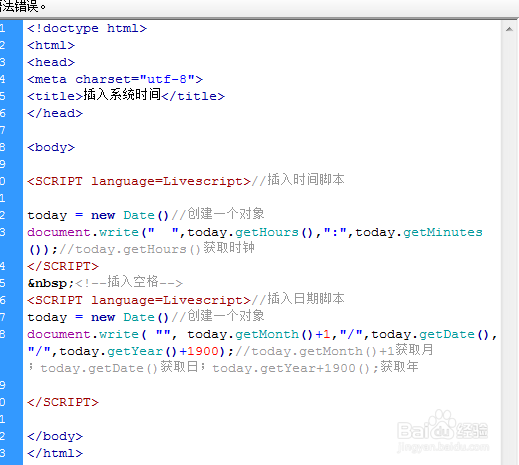
2、2.输入代码:
<SCRIPT language=Livescript>//插入时间脚本
today = new Date()//创建一个对象
document.write(" ",today.getHours(),":",today.getMinutes());//today.getHours()获取时钟
</SCRIPT>
<!--插入空格-->
<SCRIPT language=Livescript>//插入日期脚本
today = new Date()//创建一个对象
document.write( "", today.getMonth()+1,"/",today.getDate(),"/",today.getYear()+1900);//today.getMonth()+1获取月;today.getDate()获取日;today.getYear+1900();获取年
</SCRIPT>
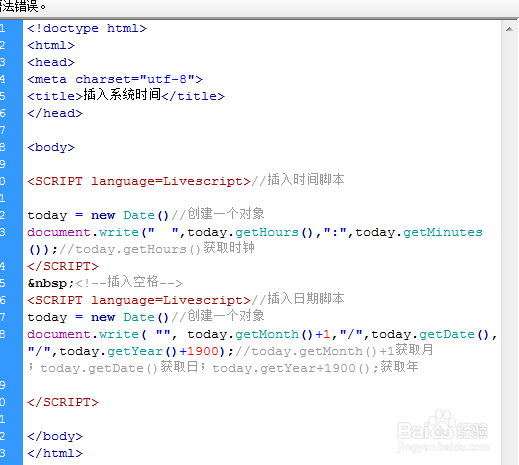
3、3.最后效果:
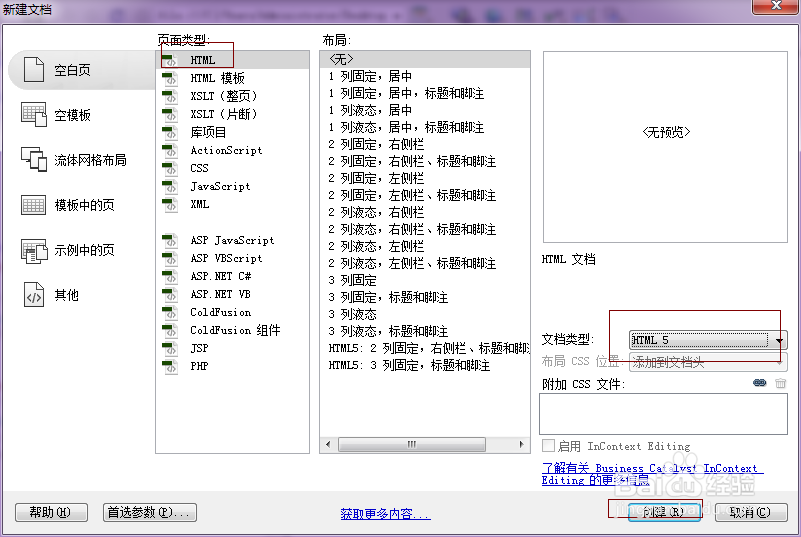
1、1.按ctrl+n创建一个新的html文档。
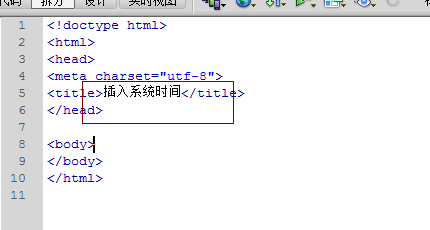
2、2.title与title之间输入插入系统时间
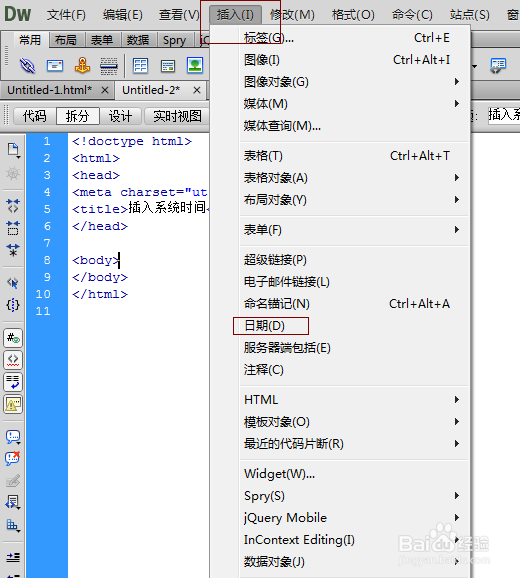
3、3.点击body与body之间①点击-->②插入(M)-->星期选择一个自己喜欢的格式,插入一个日期模式,选择格式的时间。并在储存时自动更新前打勾。时间就会自动更新了。-->确定。
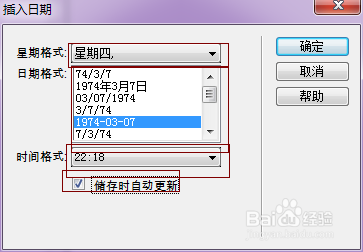
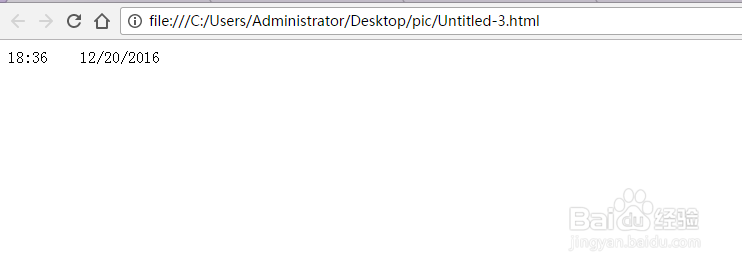
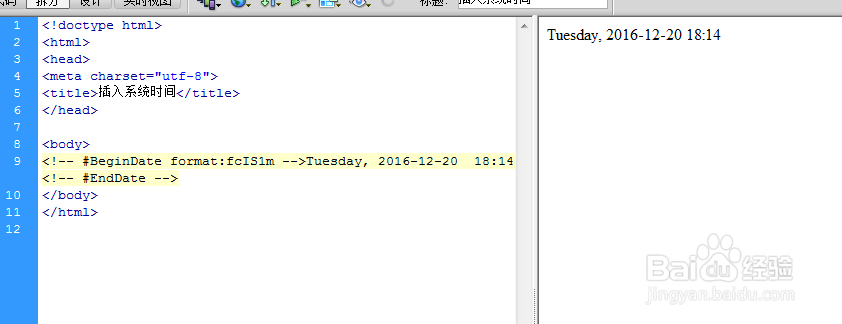
4、4.效果如图。代码是:<!-- #BeginDate format:fcIS1m -->Tuesday, 2016-12-20 18:16<!-- #EndDate -->
5、5.可以按F12在页面中预览。