1、首先查找php-fpm位置:
1.find / -name php-fpm;
2.查看listen值;

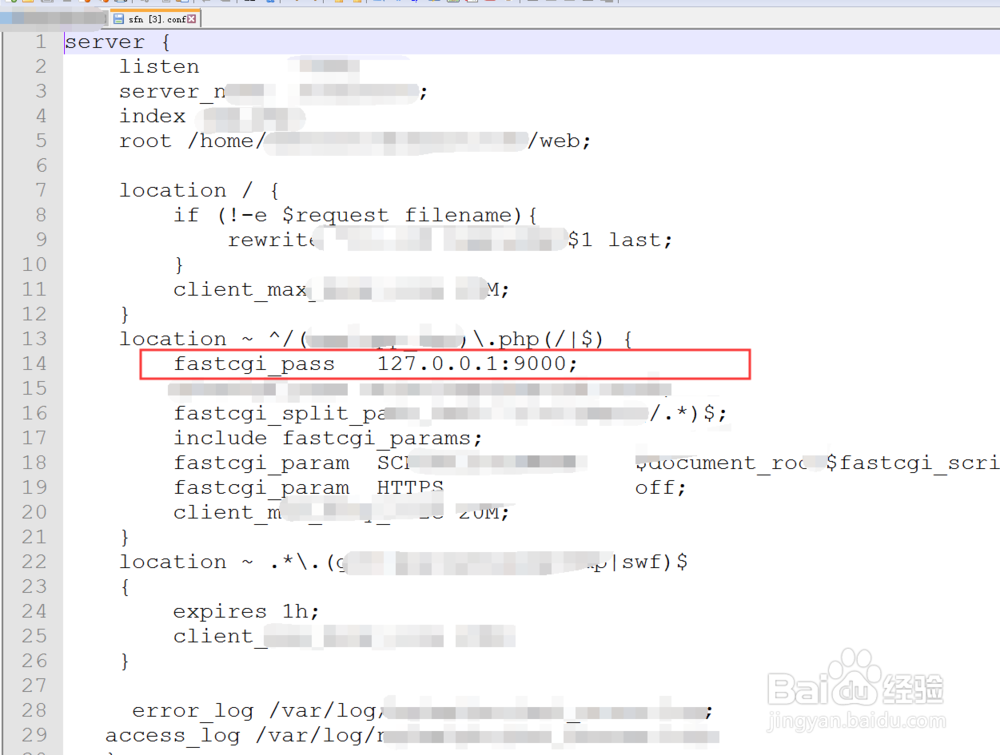
2、打开nginx配置文件,查看fastcgi_pass配置项值;
fastcgi_pass 127.0.0.1:9000;
3、使用grep查看 php-fpm是否运行;
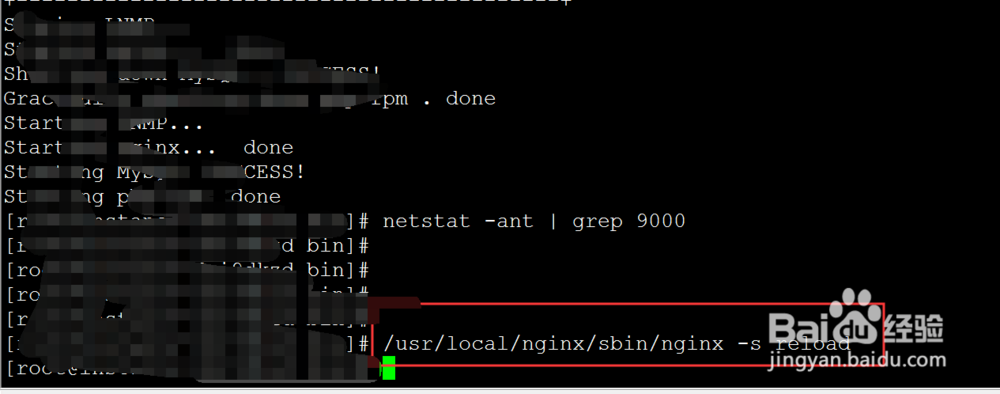
1.netstat -ant | grep 9000
2.结果为空,说明php-fpm未运行;

4、因此,将nginx配置文件中fastcgi_pass配置项改为 unix:/tmp/php-cgi.sock;
fastcgi_pass unix:/tmp/php-cgi.sock;

5、保存,并重启nginx;
/usr/local/nginx/sbin/nginx -s reload
6、再次访问,运行成功!!
