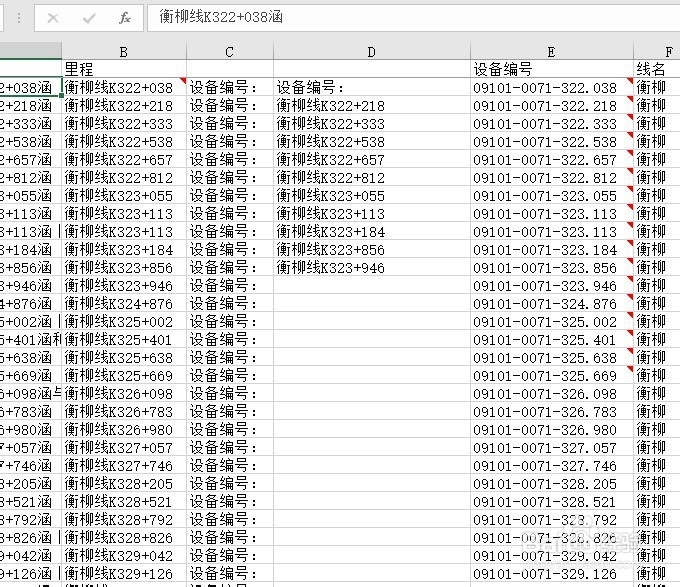
1、首先在开发工具中打开VBA编辑器
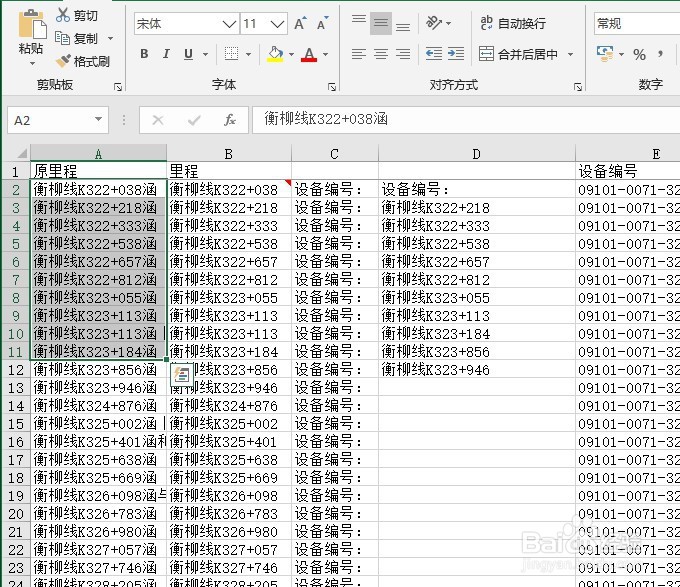
2、在单元格区域当中输入一些内容作为例子
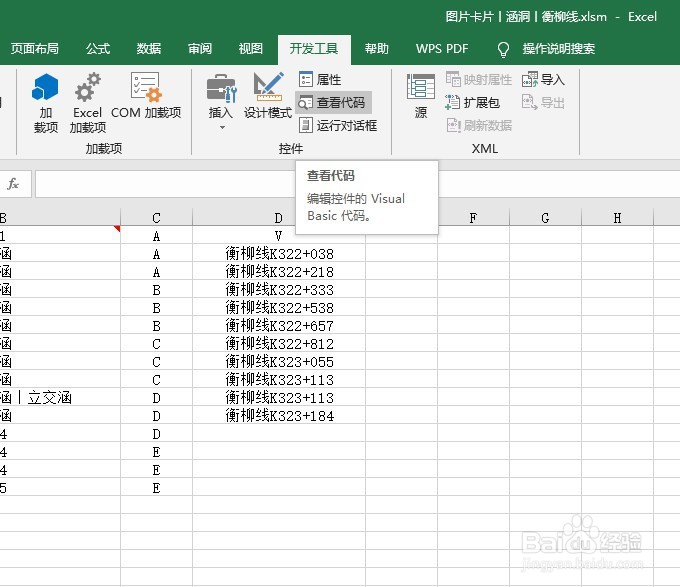
3、在VBA编辑器中插入模块
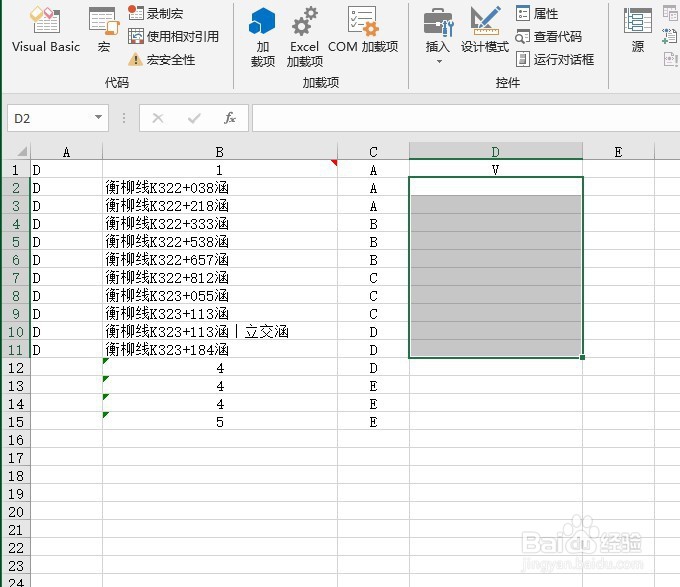
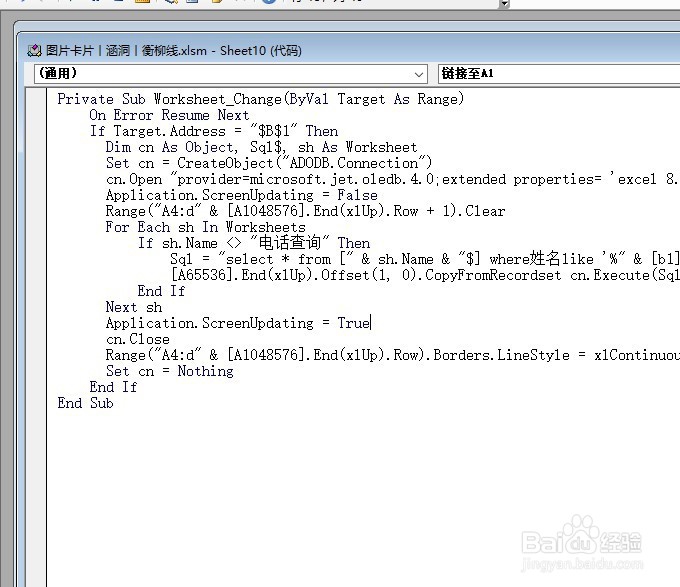
4、在模块当中输入如下代码,然后运行
Private Sub Worksheet_Change(ByVal Target As Range)
On Error Resume Next
If Target.Address="$B$1" Then
Dim cn As Object, Sql$, sh As Worksheet
Set cn=CreateObject("ADODB.Connection")
cn.Open "provider=microsoft.jet.oledb.4.0;extended properties=
'excel 8.0;imex=1';data source=" & ThisWorkbook.FullName
Application.ScreenUpdating=False
Range("A4:d" & [A1048576].End(xlUp).Row+1).Clear
For Each sh In Worksheets
If sh.Name <> "电话查询" Then
Sql="select * from [" & sh.Name & "$] where姓名like '%"
& [b1].Text & "%'"
[A65536].End(xlUp).Offset(1,0).CopyFromRecordset cn.Execute(Sql)
End If
Next sh
Application.ScreenUpdating=True
cn.Close
Range("A4:d" & [A1048576].End(xlUp).Row).Borders.LineStyle=
xlContinuous'线型
Set cn=Nothing
End If
End Sub
5