1、点击应用程序
打开访达,点击左边的应用程序。
2、点击Photo Booth
点击列表上的Photo Booth应用。
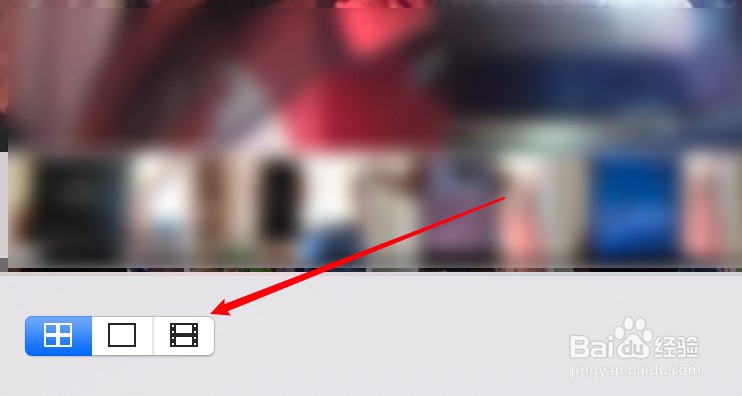
3、选择录制视频
点击选择录制视频图标。
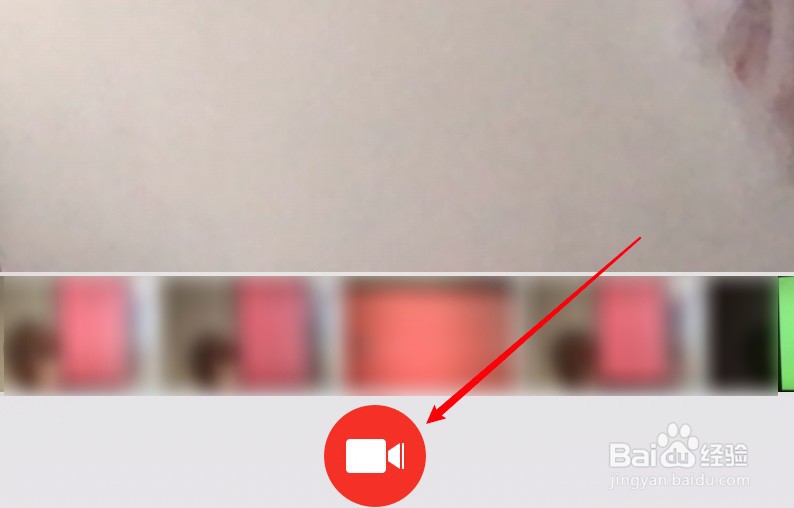
4、点击录制按钮
点击应用下方的录制按钮。