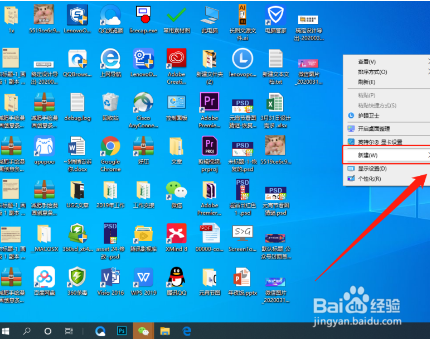
1、在桌面右键单击鼠标移到新建,
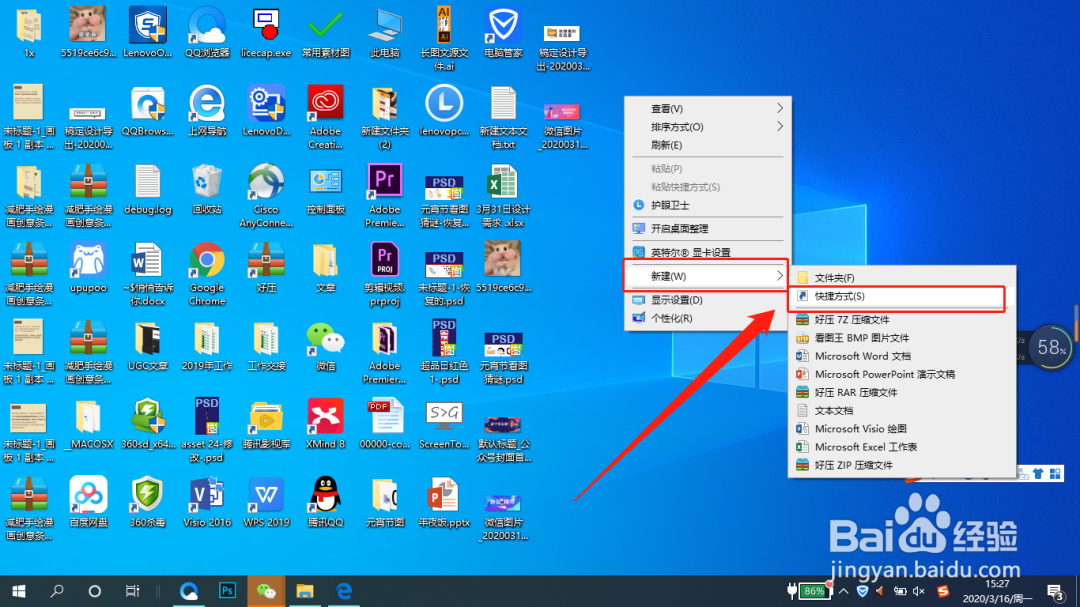
2、点击新建快捷方式
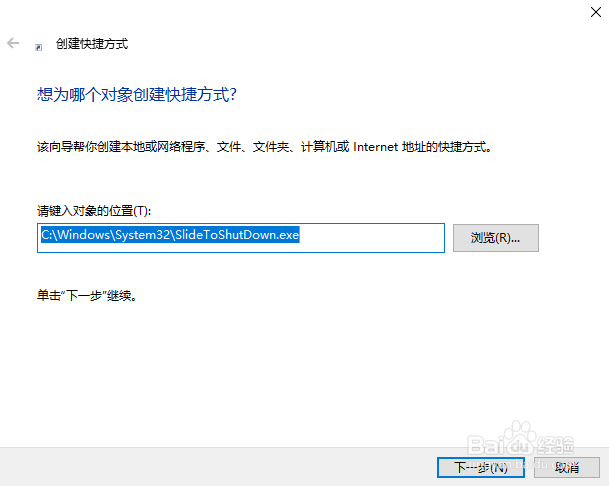
1、在弹出的框中输入代码:
C:\Windows\System32\SlideToShutDown.exe
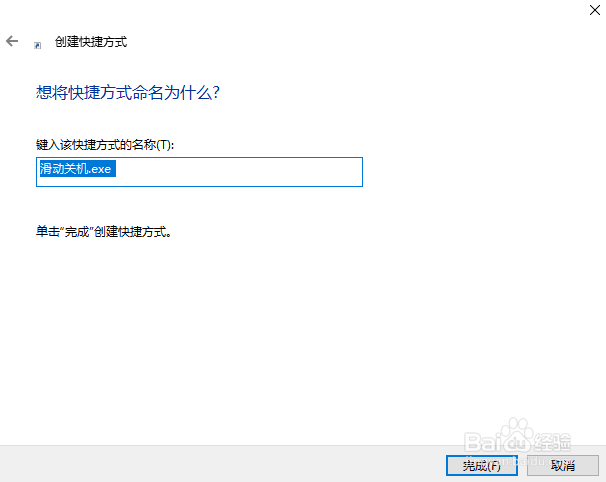
1、鼠标点击下一步,修改快捷方式名称,点击完成,就OK了!
1、之后双击新建的快捷方式就能看到滑动关机效果啦~

1、在桌面右键单击鼠标移到新建,
2、点击新建快捷方式
1、在弹出的框中输入代码:
C:\Windows\System32\SlideToShutDown.exe
1、鼠标点击下一步,修改快捷方式名称,点击完成,就OK了!
1、之后双击新建的快捷方式就能看到滑动关机效果啦~