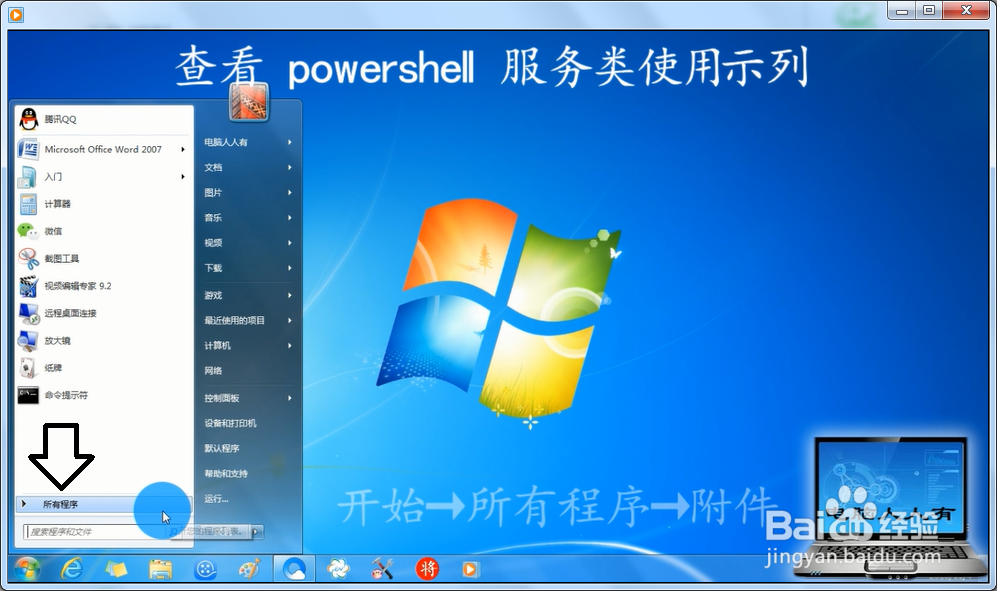
1、开始→所有程序。
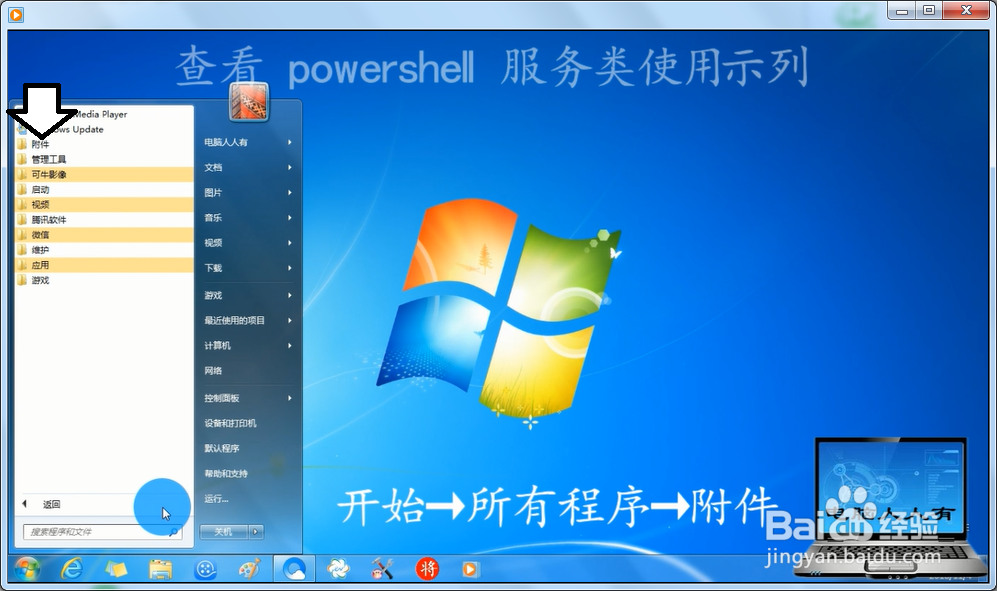
2、附件。
3、打开Windows Powershell文件夹→Windows Powershell。

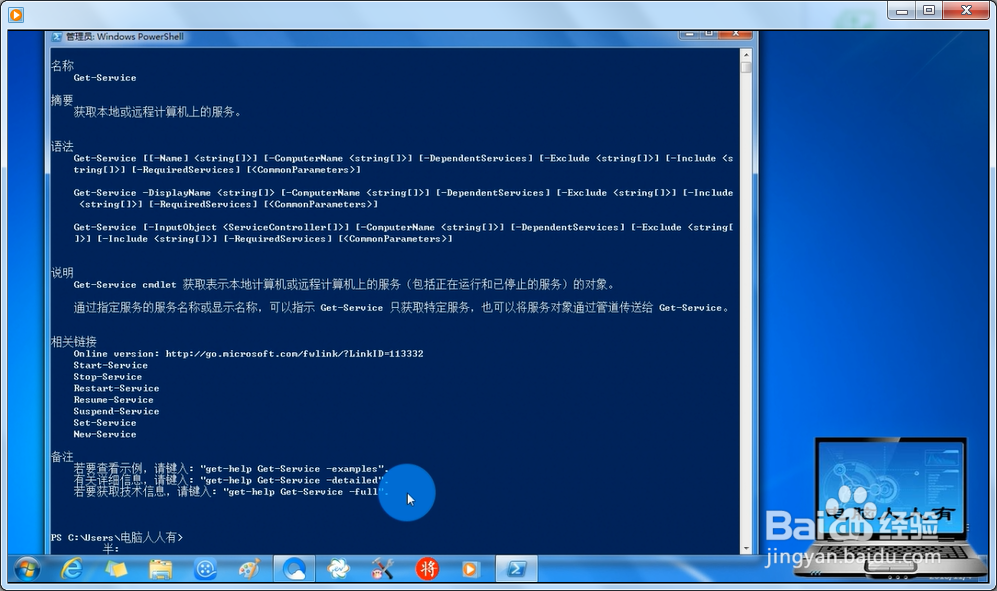
4、输入命令:get-help get-service

5、按回车键即可看到服务类的命令如何使用了。
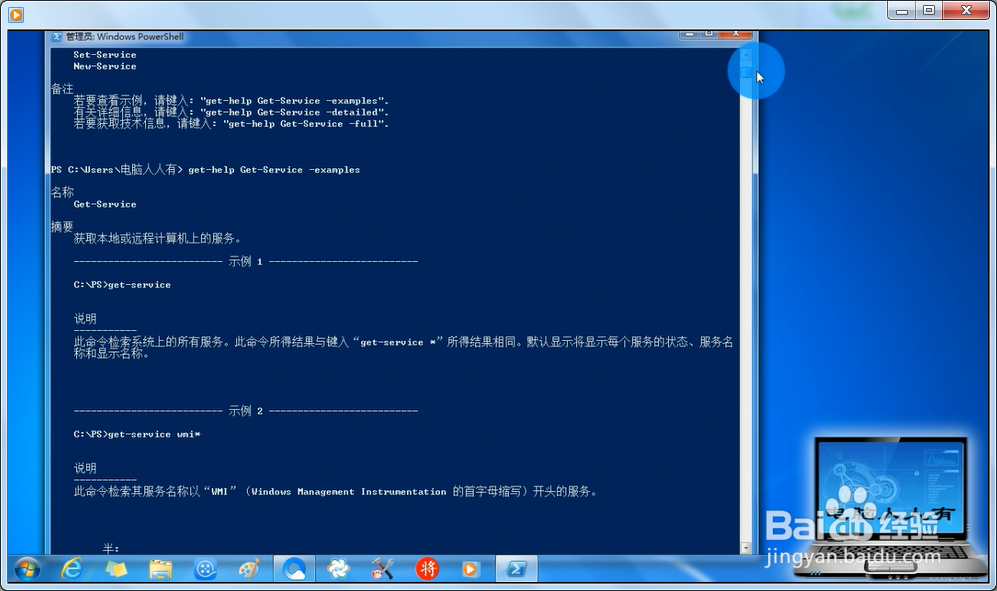
6、这里有一些示列,详细说明了服务类命令的使用方法。
1、开始→所有程序。
2、附件。
3、打开Windows Powershell文件夹→Windows Powershell。
4、输入命令:get-help get-service
5、按回车键即可看到服务类的命令如何使用了。
6、这里有一些示列,详细说明了服务类命令的使用方法。