通过google scholar查看研究者的h-index

时间:2026-02-15 12:43:18

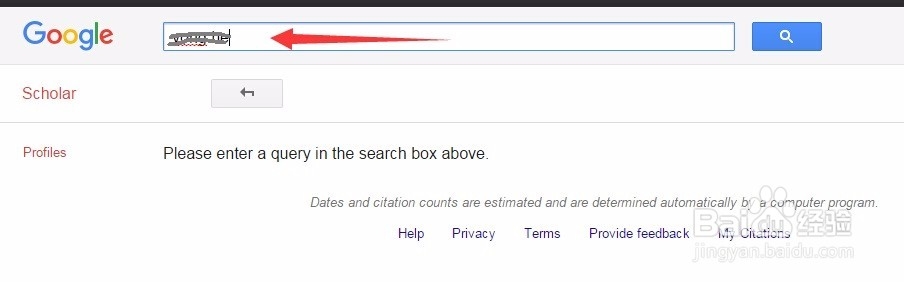
1、通过浏览器打开google scholar。在输入框输入要搜索的研究者的名字,然后点击放大镜按钮。

通过google scholar查看研究者的h-index

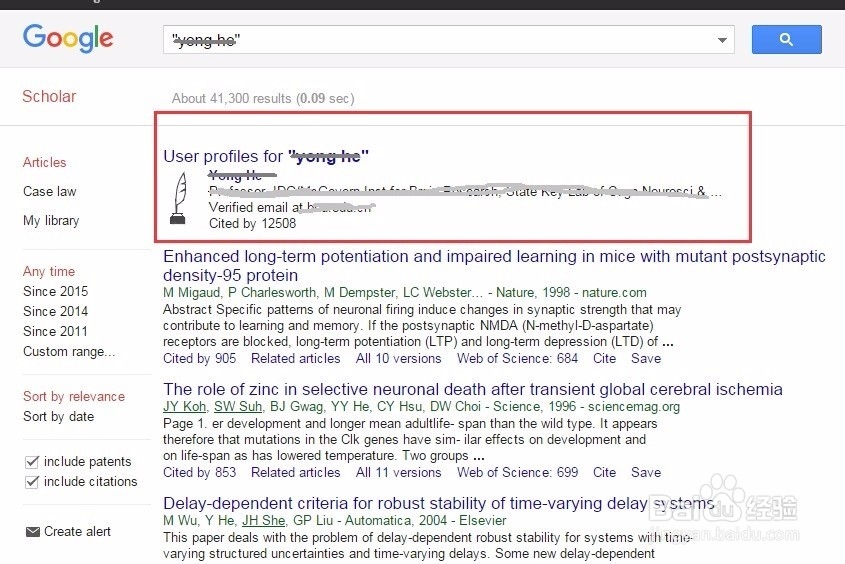
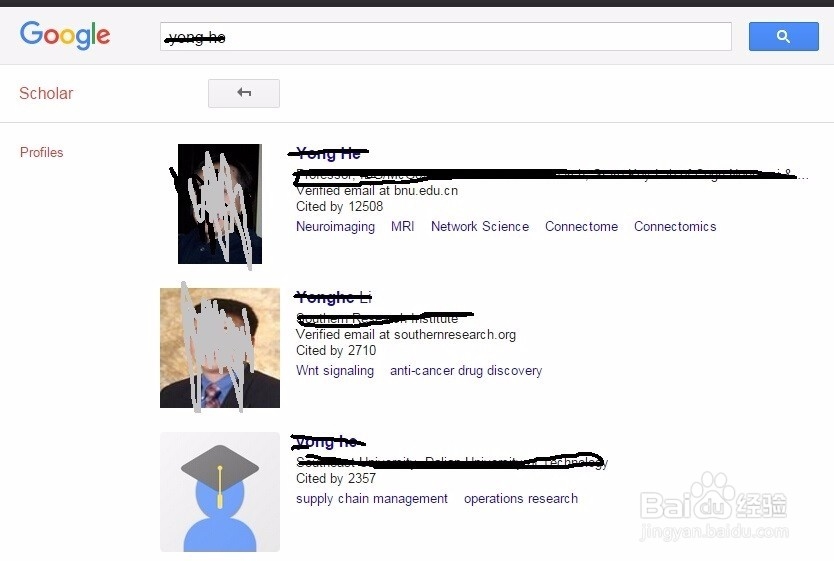
2、得到的搜索结果页面的开始部分会呈现搜索到的研究者的页面链接。同过点击研究者名字即可进入研究者页面。
通过google scholar查看研究者的h-index

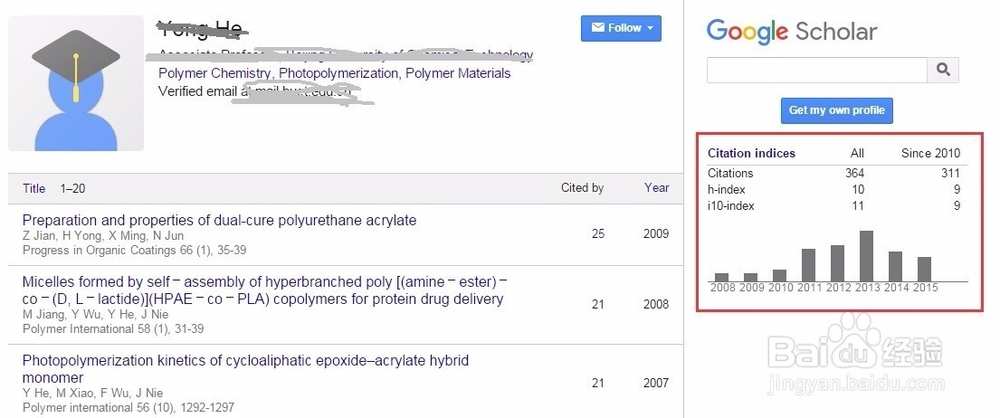
3、在页面右侧即可看到研究者的被引用次数以及h-index等信息。

通过google scholar查看研究者的h-index

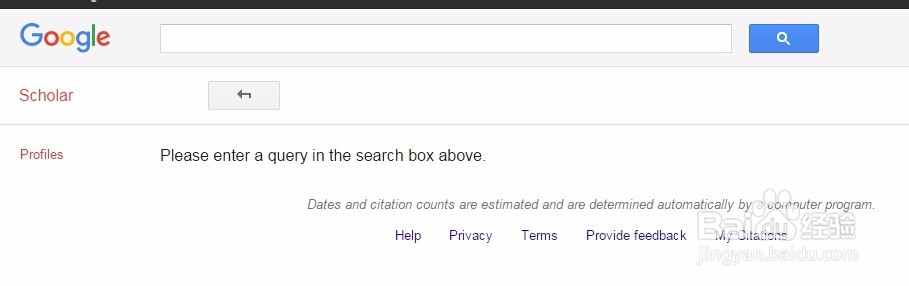
1、通过方法一,有时候在搜索列表中并没有感兴趣的研究者页面的链接,这时候可以采用方法二。通过高级选项citations?view_op=search_authors进入搜索作者页面。
通过google scholar查看研究者的h-index

2、输入感兴趣的研究者名字,并点击放大镜按钮。

通过google scholar查看研究者的h-index

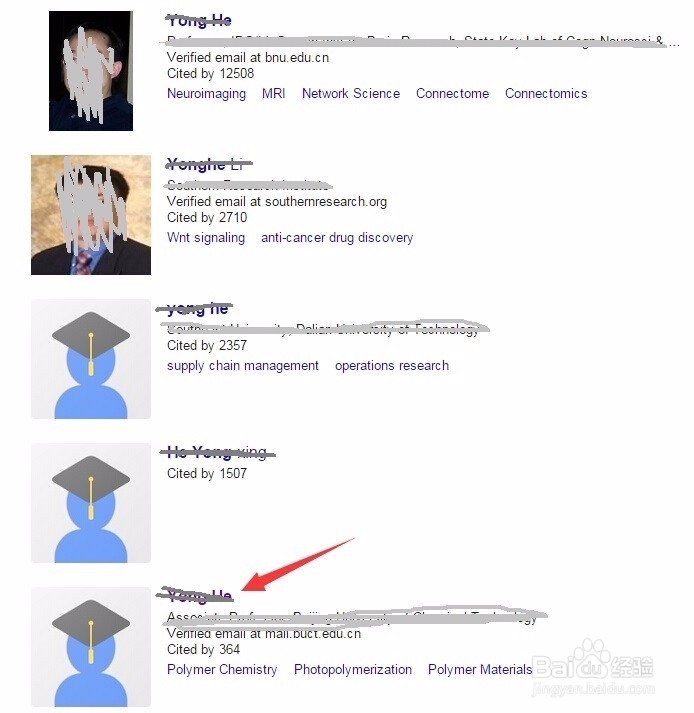
3、得到搜索结果,可以看到搜出来不止一个研究者,加入我们关注的是另一个研究者可以点击名字链接进入研究者页面。
通过google scholar查看研究者的h-index

通过google scholar查看研究者的h-index

4、同样可以进入到这个研究者的页面,并查看到他的被引次数和h-index等信息。
通过google scholar查看研究者的h-index

© 2026 海能知识库
信息来自网络 所有数据仅供参考
有疑问请联系站长 site.kefu@gmail.com