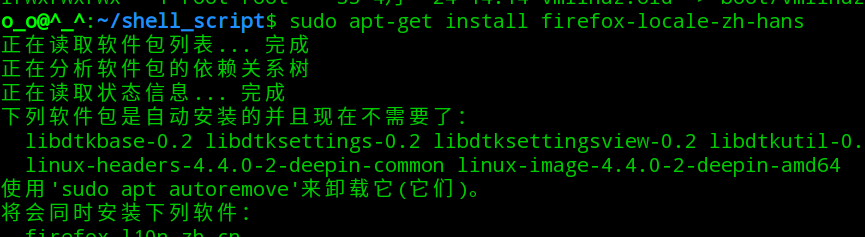
1、在deepin linux上安装firefox的本地化包。具体执行:
sudo apt-get install firefox-locale-zh-hans
2、打开安装好的英文界面的firefox浏览器。然后在地址栏中输入:
about:config

3、在搜索的文本框中,输入general.useragent.locale,找到这个先项,将其值设置为zh-CN。设置完成后,重启一下firefox,然后界面就设置成中文了。

1、在deepin linux上安装firefox的本地化包。具体执行:
sudo apt-get install firefox-locale-zh-hans
2、打开安装好的英文界面的firefox浏览器。然后在地址栏中输入:
about:config
3、在搜索的文本框中,输入general.useragent.locale,找到这个先项,将其值设置为zh-CN。设置完成后,重启一下firefox,然后界面就设置成中文了。