如何在Django用python shell创建应用对象

时间:2026-02-15 04:20:21

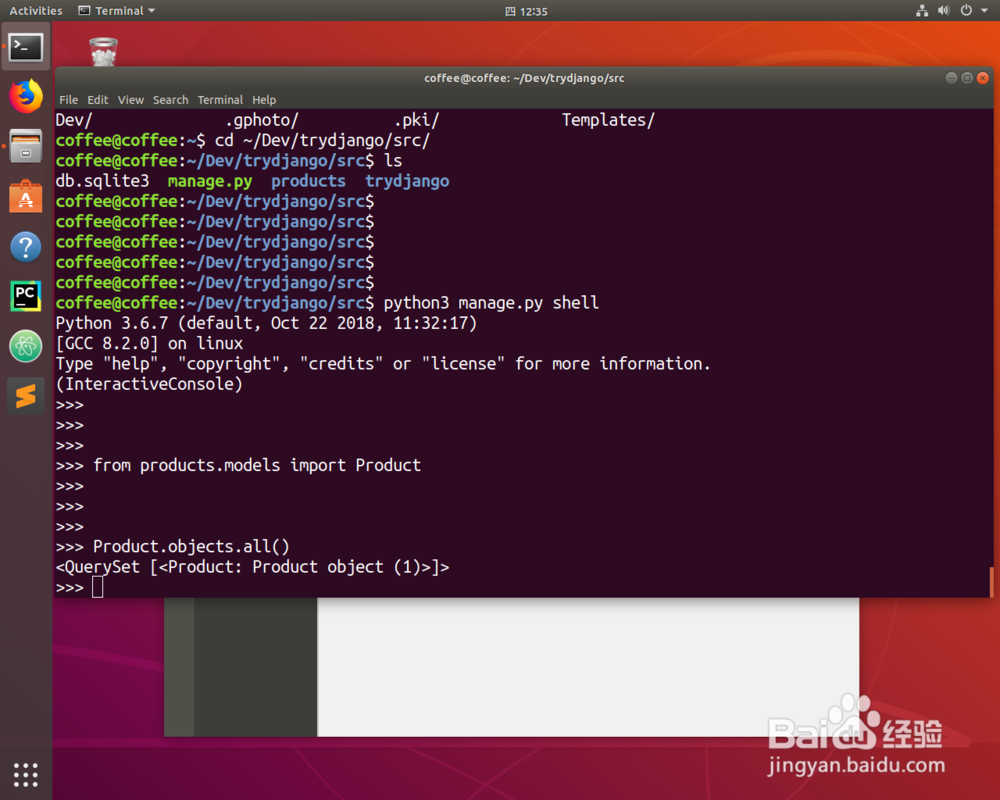
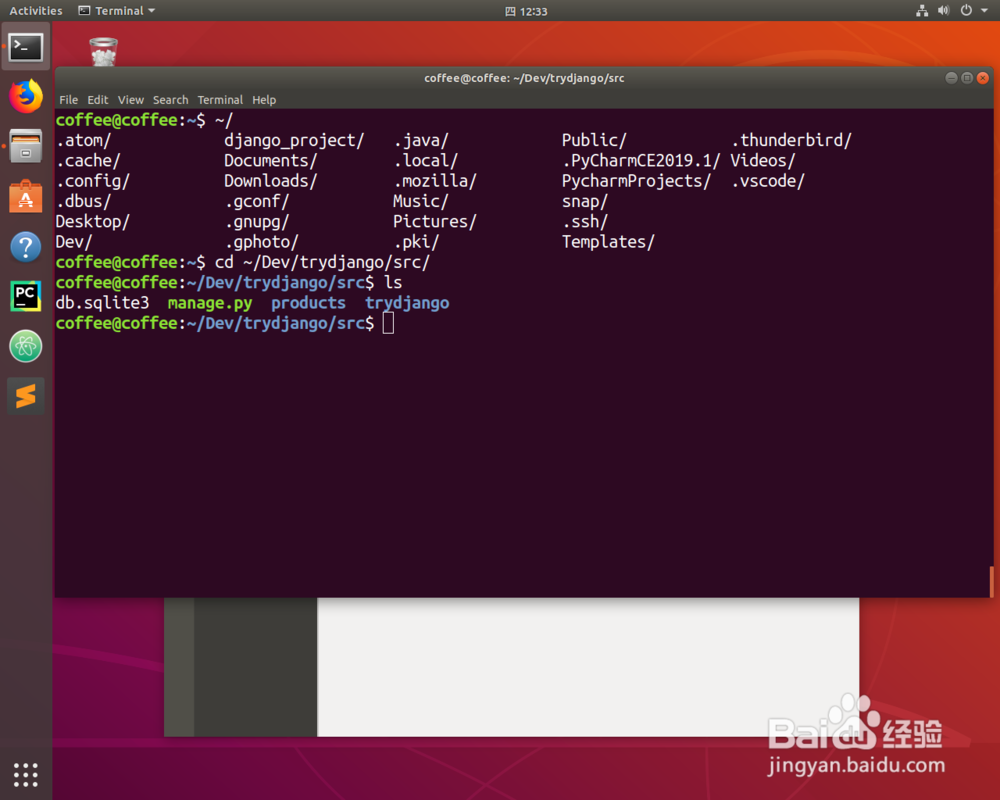
1、首先切换到工作目录。

如何在Django用python shell创建应用对象

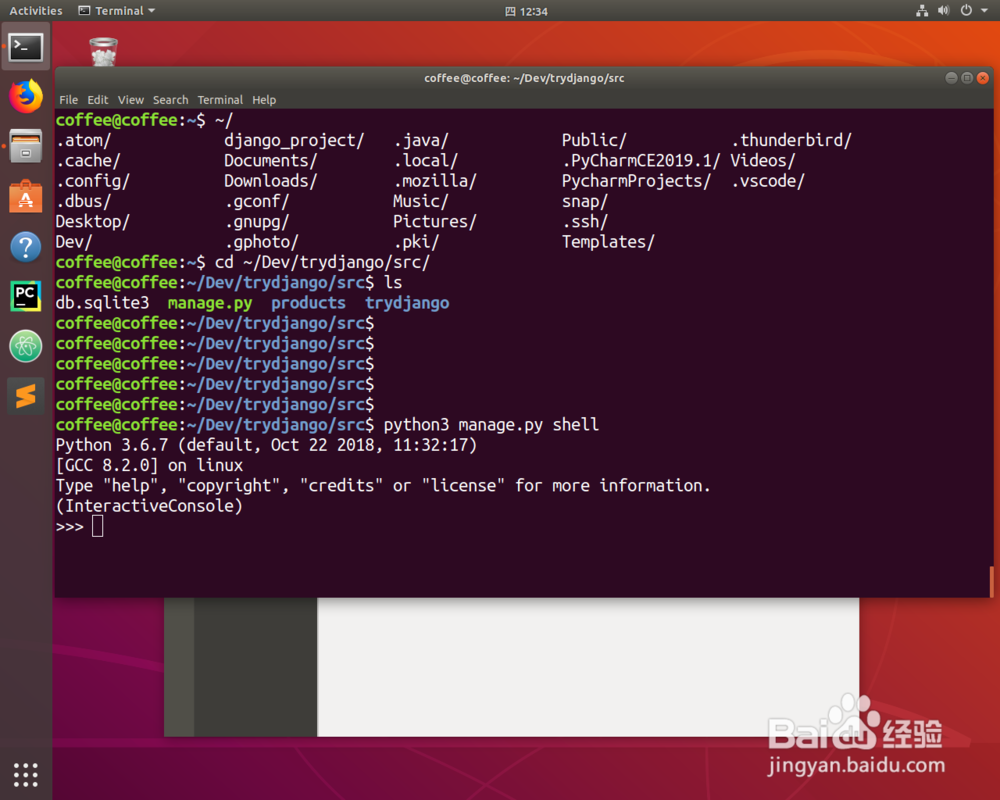
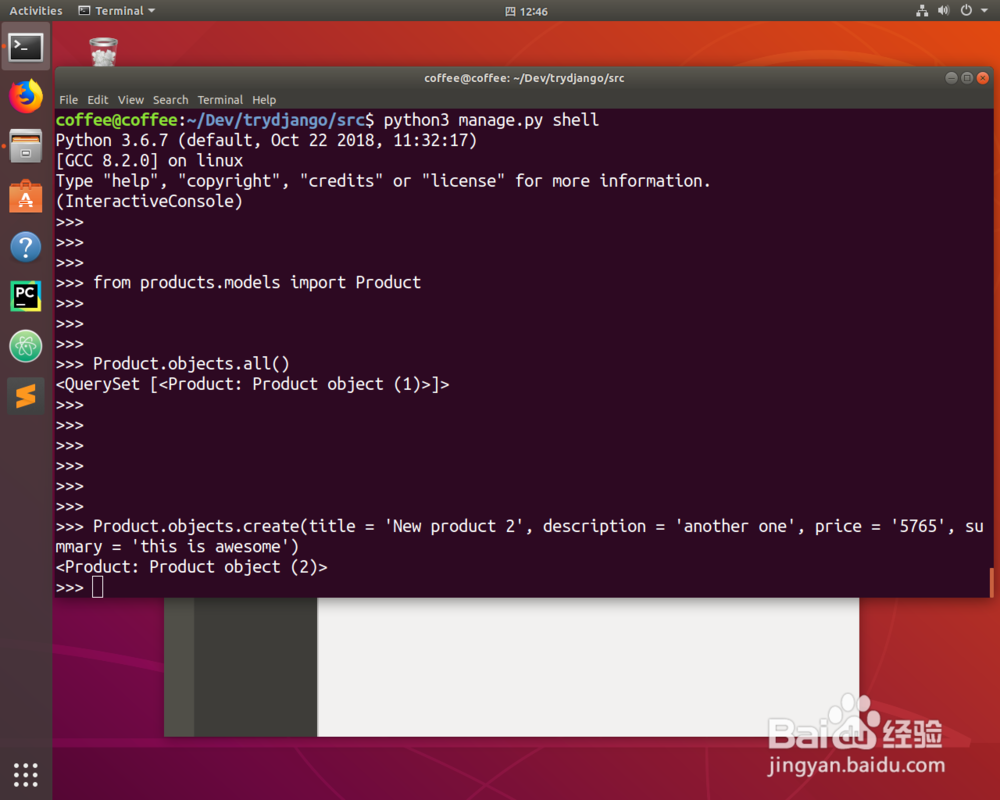
2、python3 manage.py shell

切换到python的交互式界面。
如何在Django用python shell创建应用对象

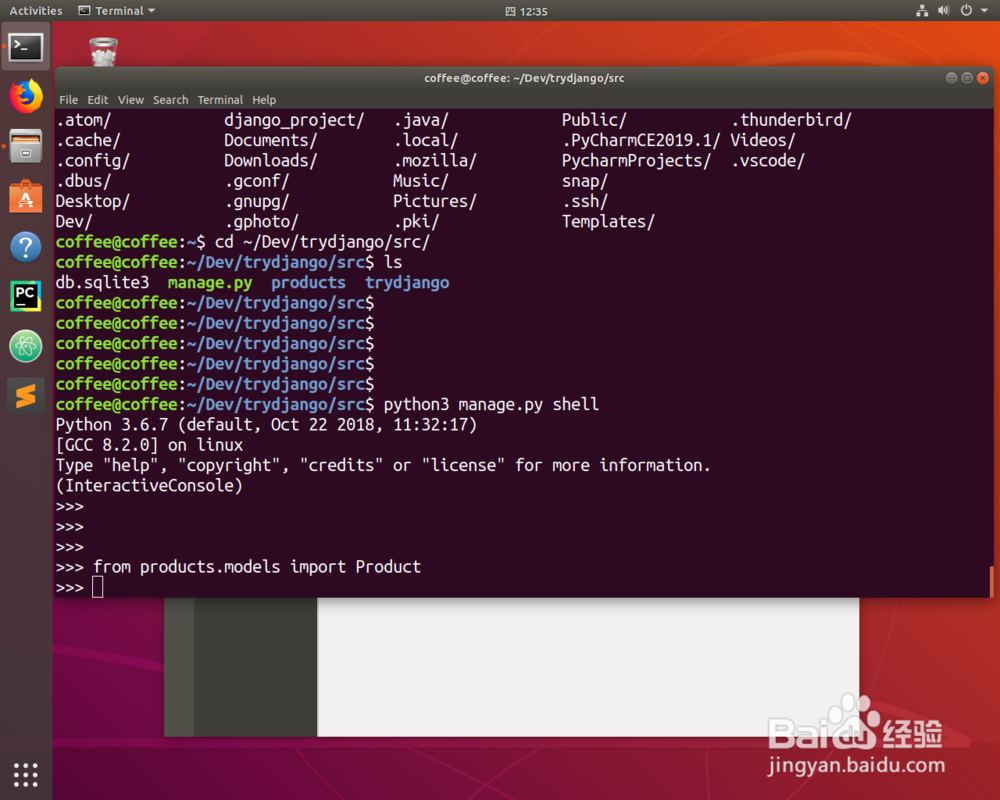
3、from products.models import Product

从products这个app的模板引入这个类。
如何在Django用python shell创建应用对象

4、Product.objects.all()

可以查看目前的所有对象。

如何在Django用python shell创建应用对象

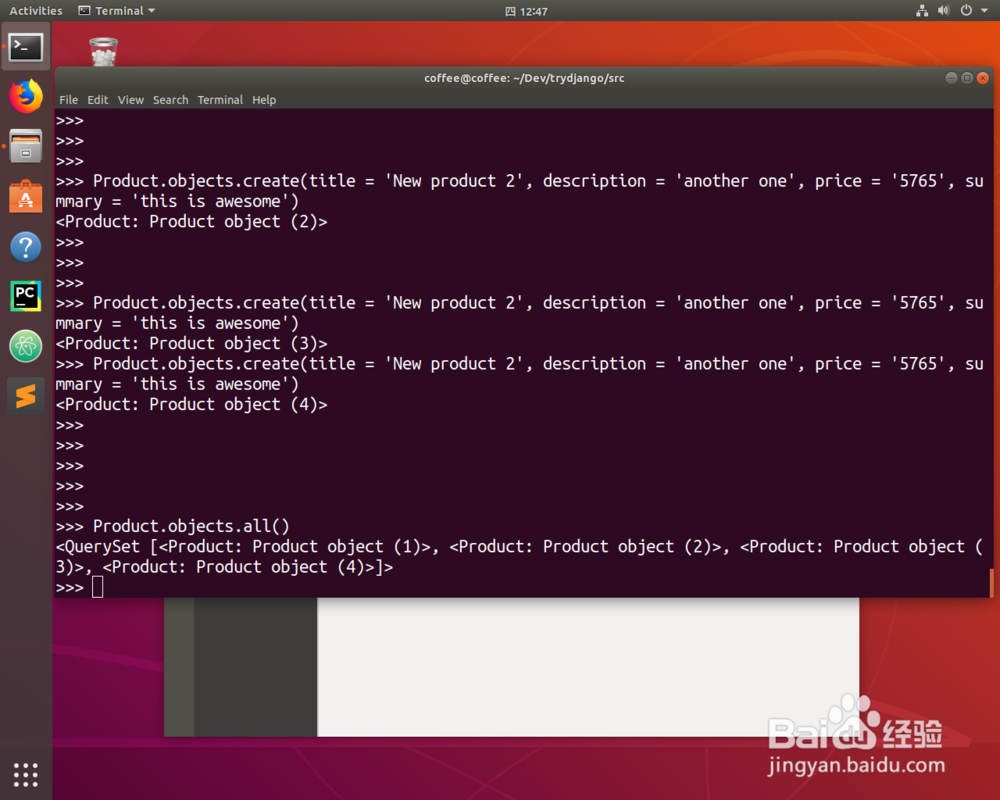
5、Product.objects.create(title = '', description = '', price = '', summary = '')

创建一个新的对象用create。
如何在Django用python shell创建应用对象

如何在Django用python shell创建应用对象

6、确认一下是否创建成功。

如何在Django用python shell创建应用对象

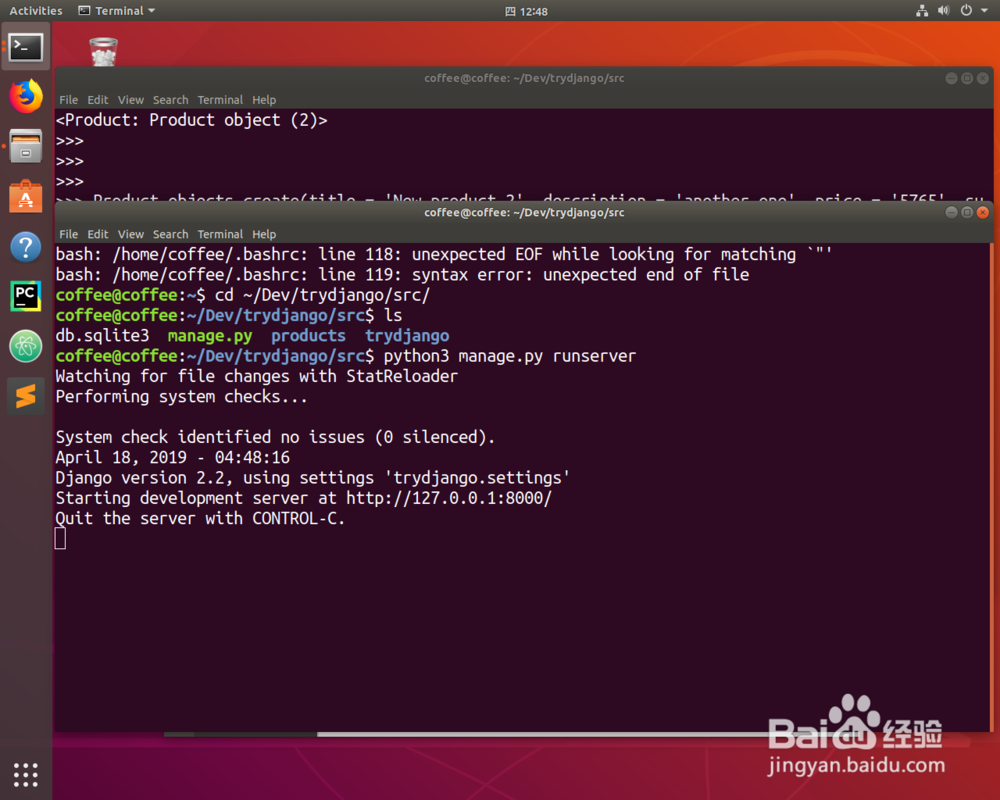
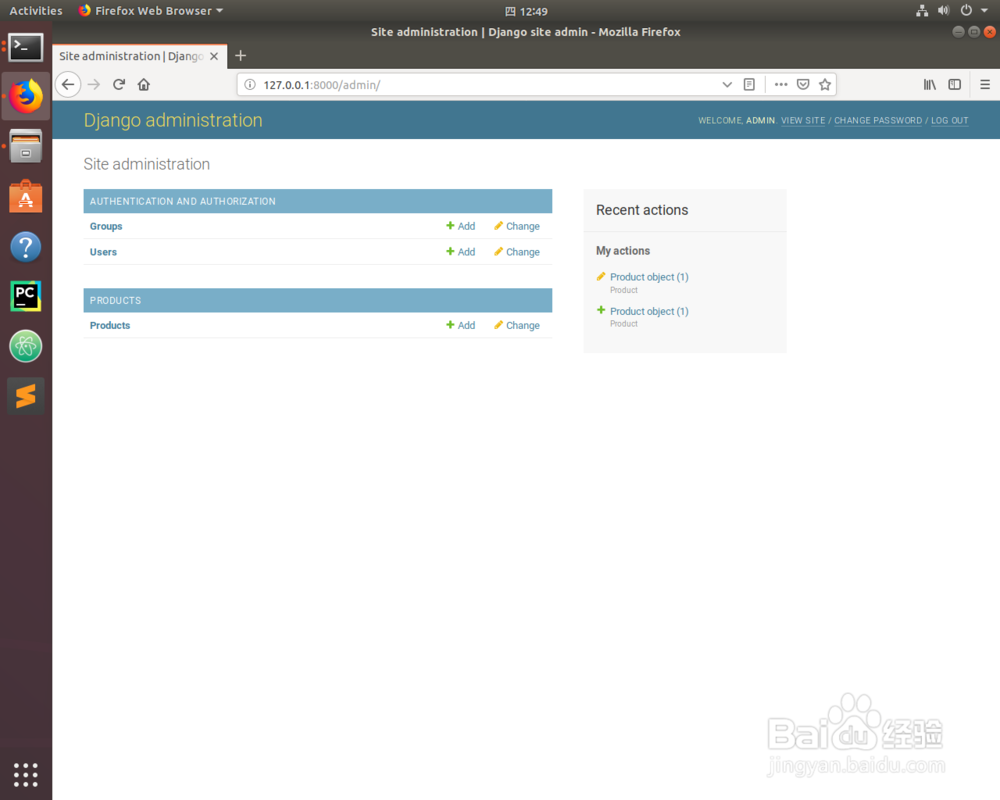
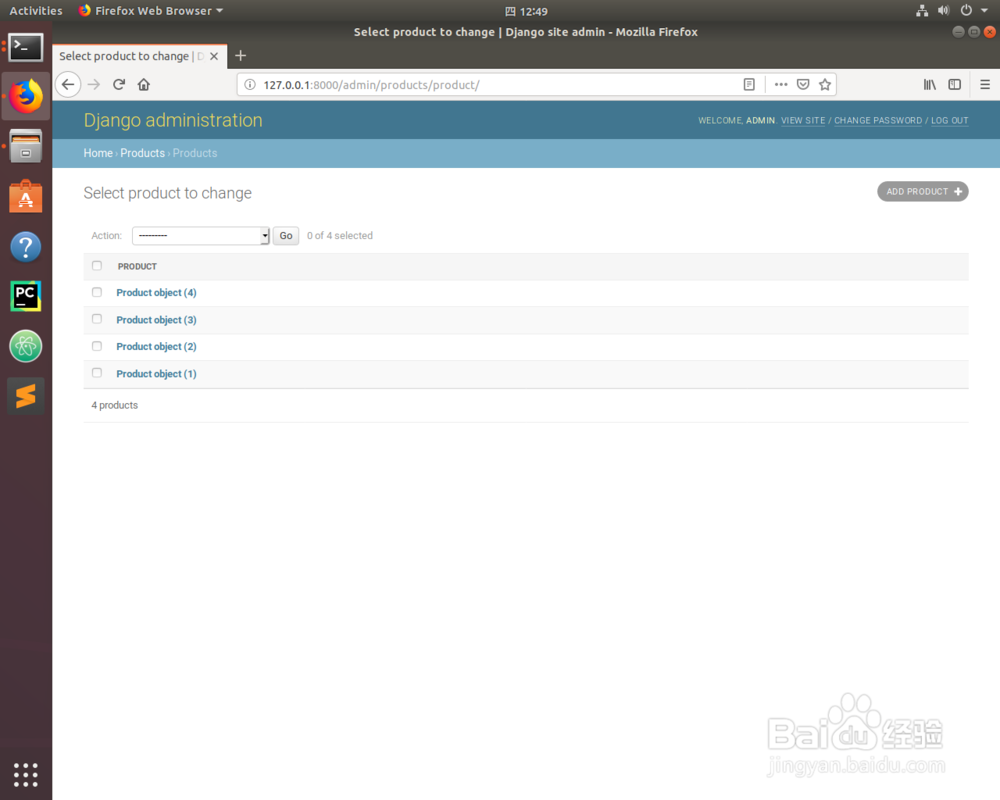
7、运行一下服务器,就能看到创建成功了。

如何在Django用python shell创建应用对象

如何在Django用python shell创建应用对象

如何在Django用python shell创建应用对象

© 2026 海能知识库
信息来自网络 所有数据仅供参考
有疑问请联系站长 site.kefu@gmail.com