1、创建工作空间(已有的可以直接跳过),打开一个终端执行如下代码:
$ mkdir -p ~/catkin_ws/src
$ cd ~/catkin_ws/src
$ catkin_init_workspace
$ cd ~/catkin_ws
$ catkin_make
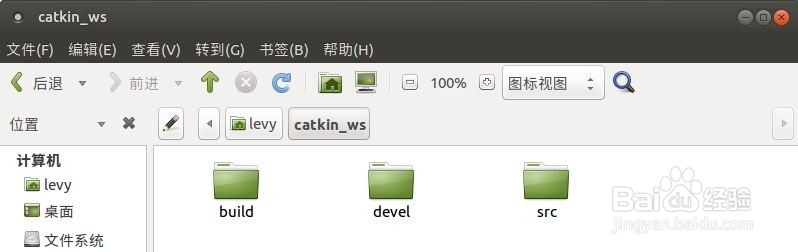
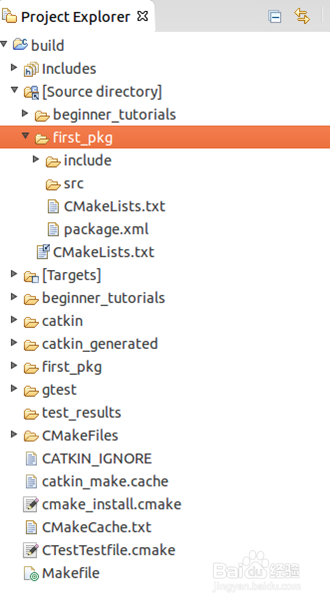
可生成文件夹目录
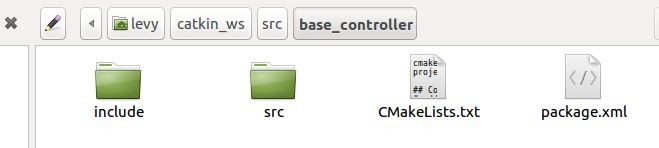
2、创建一个包例如base_controller,打开一个终端执行执行如下代码:
cd ~/catkin_ws/src
catkin_create_pkg base_controller std_msgs rospy roscpp
3、到catkin的工作空间,利用catkin_make命令,建立一个eclipse的项目,命令如下:
cd ~/catkin_ws
catkin_make --force-cmake -G"Eclipse CDT4 - Unix Makefiles"
awk -f $(rospack find mk)/eclipse.awk build/.project > build/.project_with_env && mv build/.project_with_env build/.project
4、导入项目
启动 Eclipse
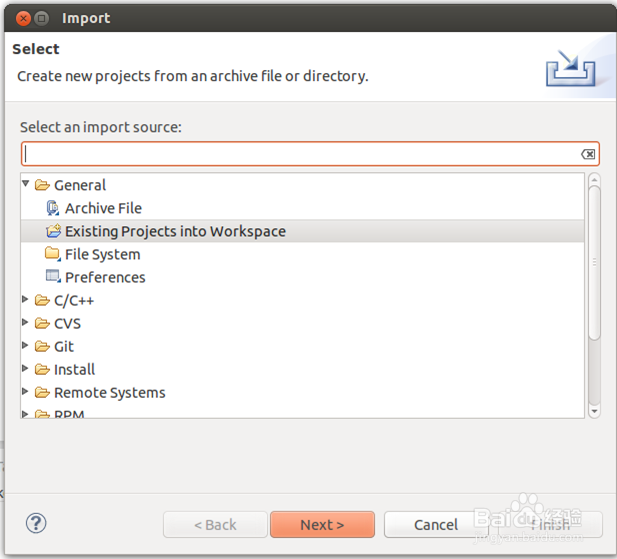
选择File --> Import --> General --> Existing Projects into Workspace
5、添加项目文件
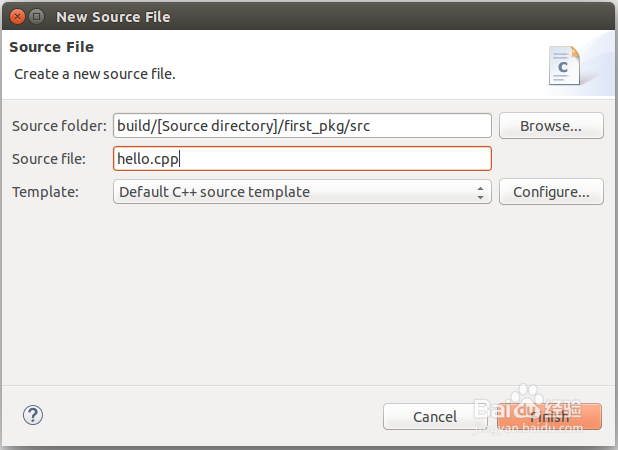
右击src,然后选择New –> Source File, 创建文件 hello.cpp,如代码实例所示:
#include "ros/ros.h"
int main(int argc, char **argv)
{
ros::init(argc, argv, "hello");
ros::NodeHandle nh;
ros::Rate loop_rate(10);
int count = 0;
while (ros::ok()) // Keep spinning loop until user presses Ctrl+C
{
ROS_INFO_STREAM("hello world" << count);
ros::spinOnce(); // Allow ROS to process incoming messages
loop_rate.sleep(); // Sleep for the rest of the cycle
count++;
}
return 0;}
6、编写CMakeLists.txt和package.xml文件
在编译前,需要在包的CMakeLists.txt文件中添加新的编译内容,例如所示:
## Declare a cpp executable
add_executable(hello src/hello.cpp)
## Specify libraries to link a library or executable target against
target_link_libraries(hello ${catkin_LIBRARIES})
7、编译节点:
按快捷键 Ctrl-B,编译项目
8、在Eclipse中运行节点
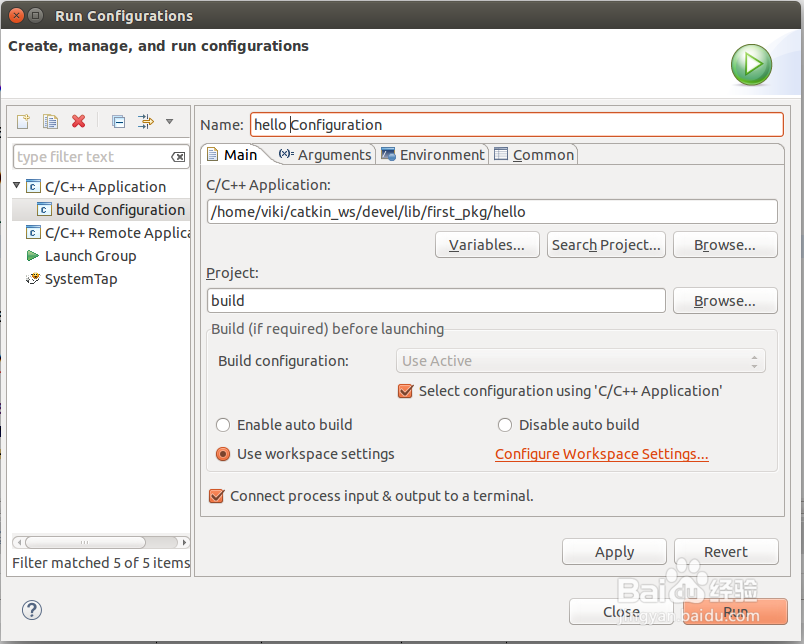
创建新的启动配置,点击 Run --> Run configurations... --> C/C++ Application (double click or click on New)。
确保roscore已经在终端中运行。
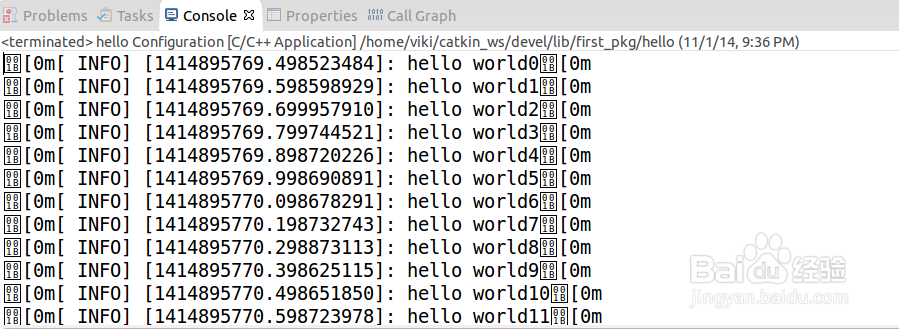
点击Run