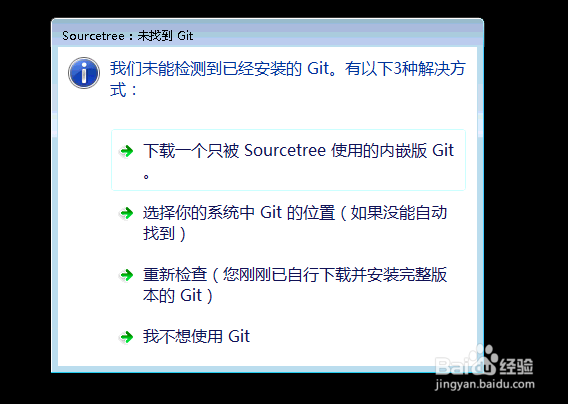
1、点击下一步
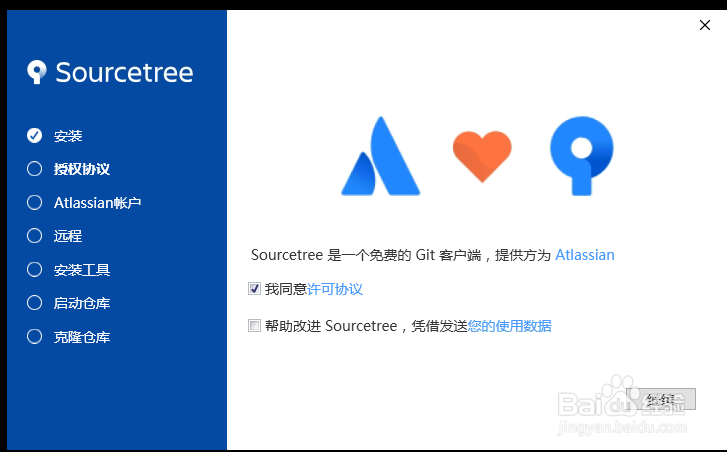
2、关闭安装程序
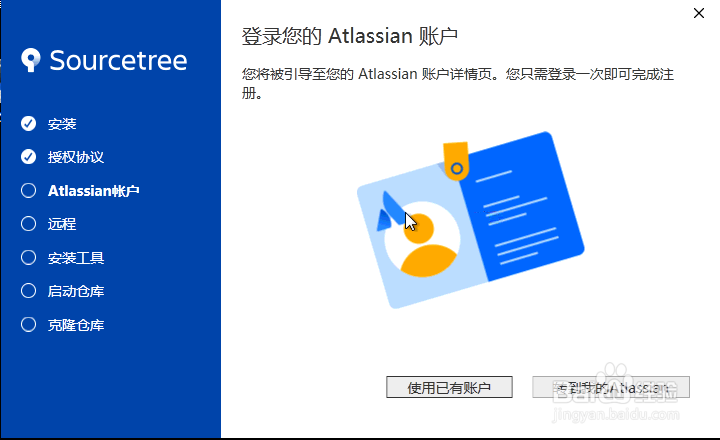
3、重复步骤1和步骤2操作,出现步骤3启动图标为止
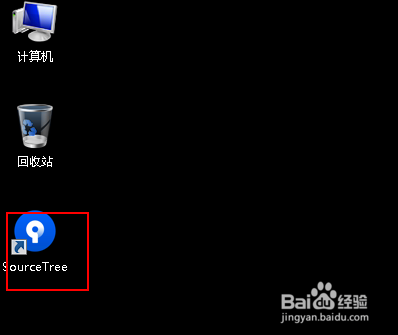
4、右键图标属性找到文件位置
C:\Users\Administrator\AppData\Local\Atlassian\SourceTree
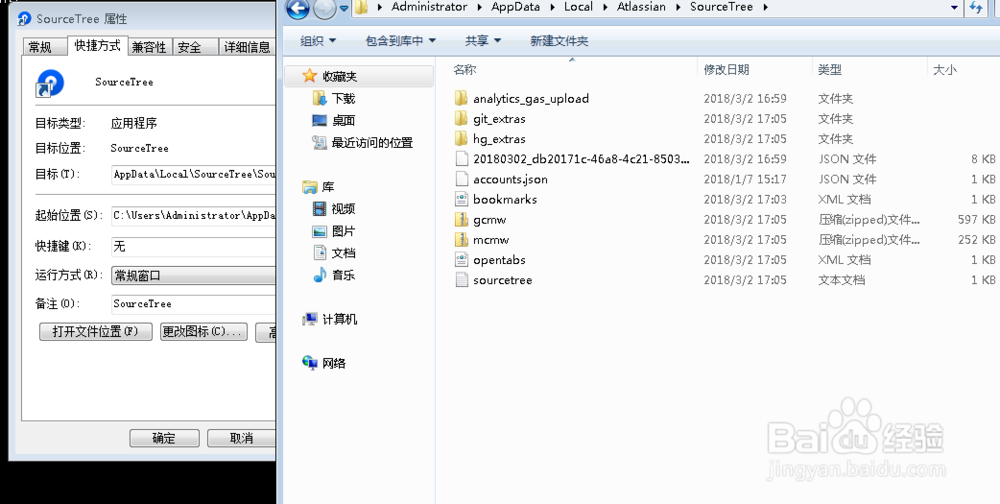
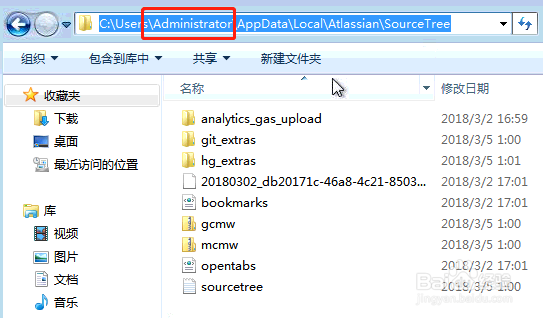
5、切换到截图中目录
C:\Users\Administrator\AppData\Local\Atlassian\SourceTree
其中Administrator可以换成其它用户
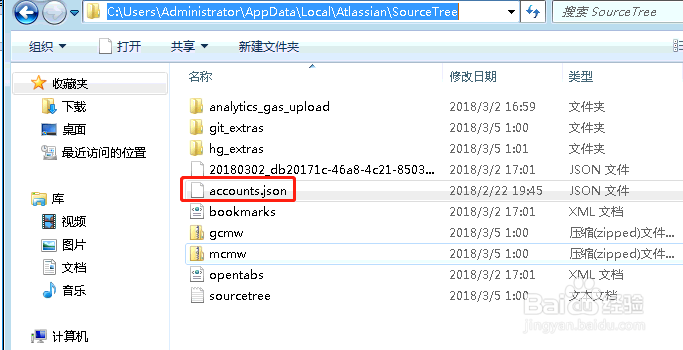
6、在该目录下新增一个文件accounts.json
[
{
"$id": "1",
"$type": "SourceTree.Api.Host.Identity.Model.IdentityAccount, SourceTree.Api.Host.Identity",
"Authenticate": true,
"HostInstance": {
"$id": "2",
"$type": "SourceTree.Host.Atlassianaccount.AtlassianAccountInstance, SourceTree.Host.AtlassianAccount",
"Host": {
"$id": "3",
"$type": "SourceTree.Host.Atlassianaccount.AtlassianAccountHost, SourceTree.Host.AtlassianAccount",
"Id": "atlassian account"
},
"BaseUrl": "https://id.atlassian.com/"
},
"Credentials": {
"$id": "4",
"$type": "SourceTree.Model.BasicAuthCredentials, SourceTree.Api.Account",
"Username": "",
"Email": null
},
"IsDefault": false
}
]
复制的时候去掉空行
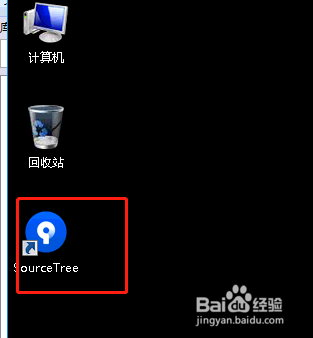
7、启动图标
8、配置git就能使用了